{{ page.title }}

{{ page.description }}

Overview

Media module search brings significant improvements to how you can search for and manage your video content.

Key features include:

Layout

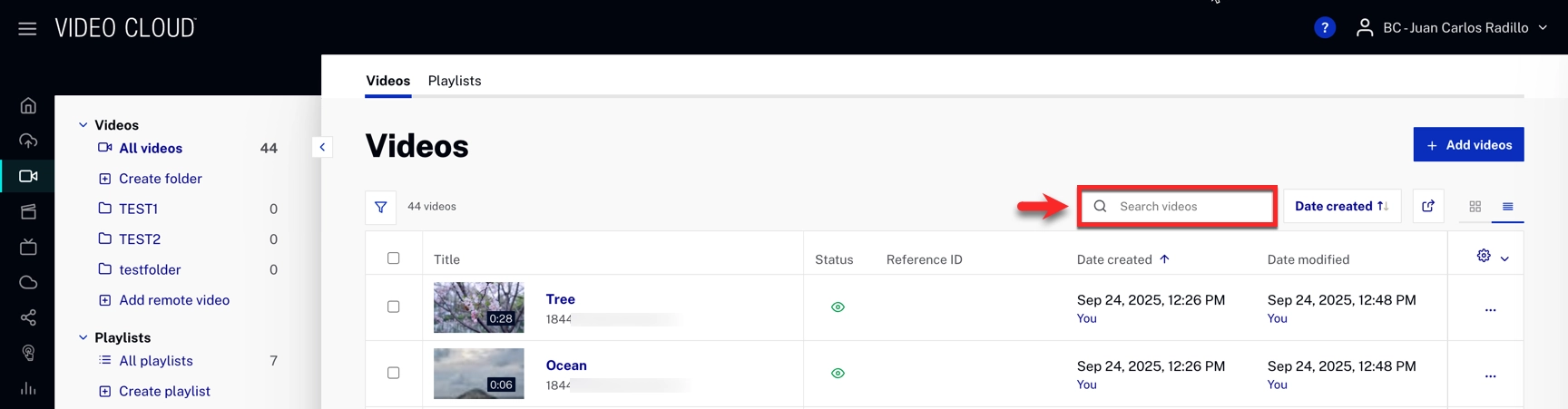
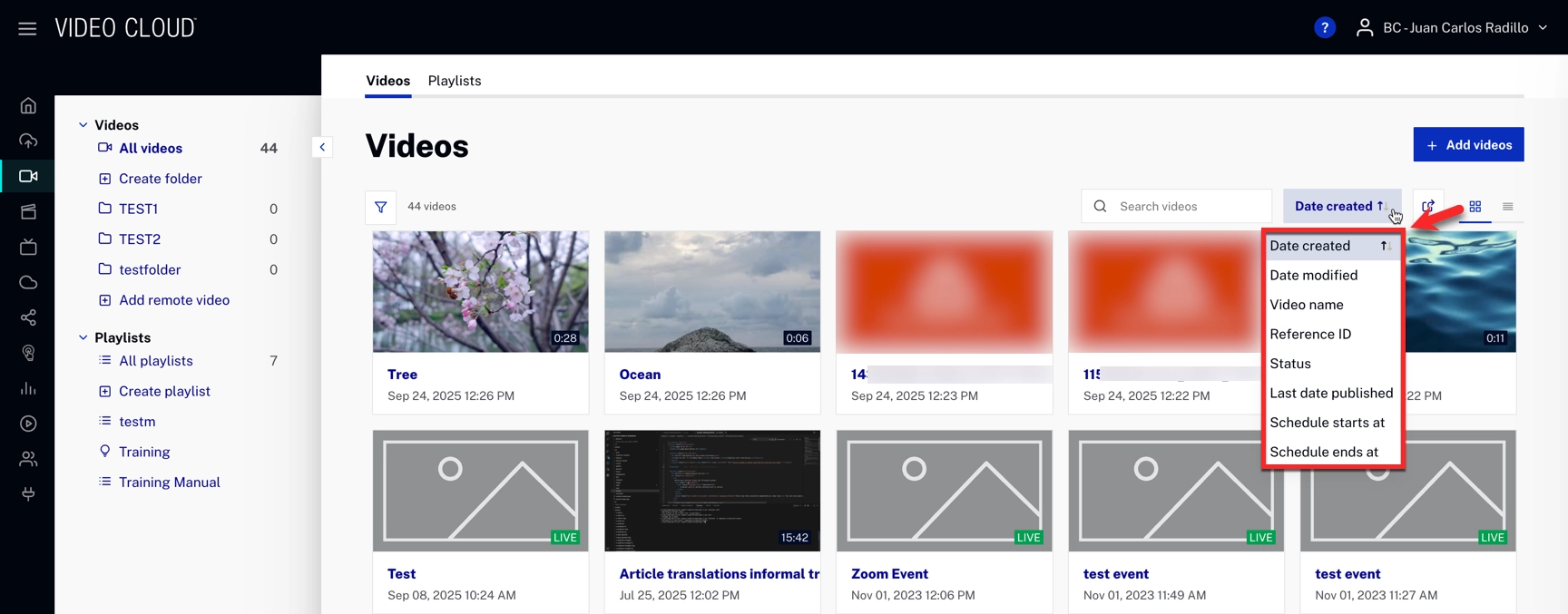
You can find all the search functionality directly from the Media module.

Content Management: List and Card Views

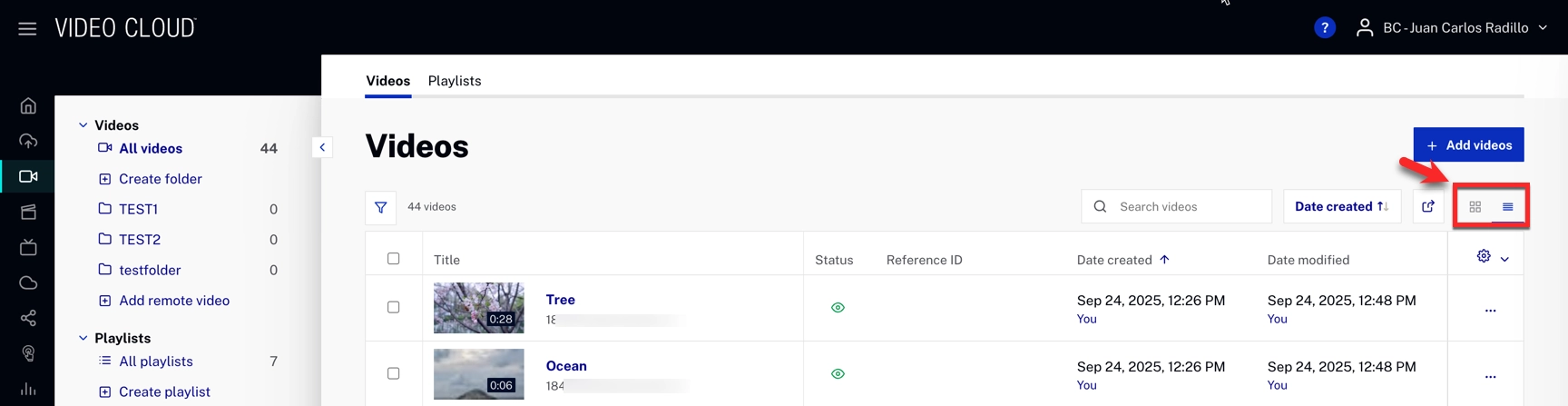
Our platform includes two distinct views, which you can switch between for exploring and managing your resources:

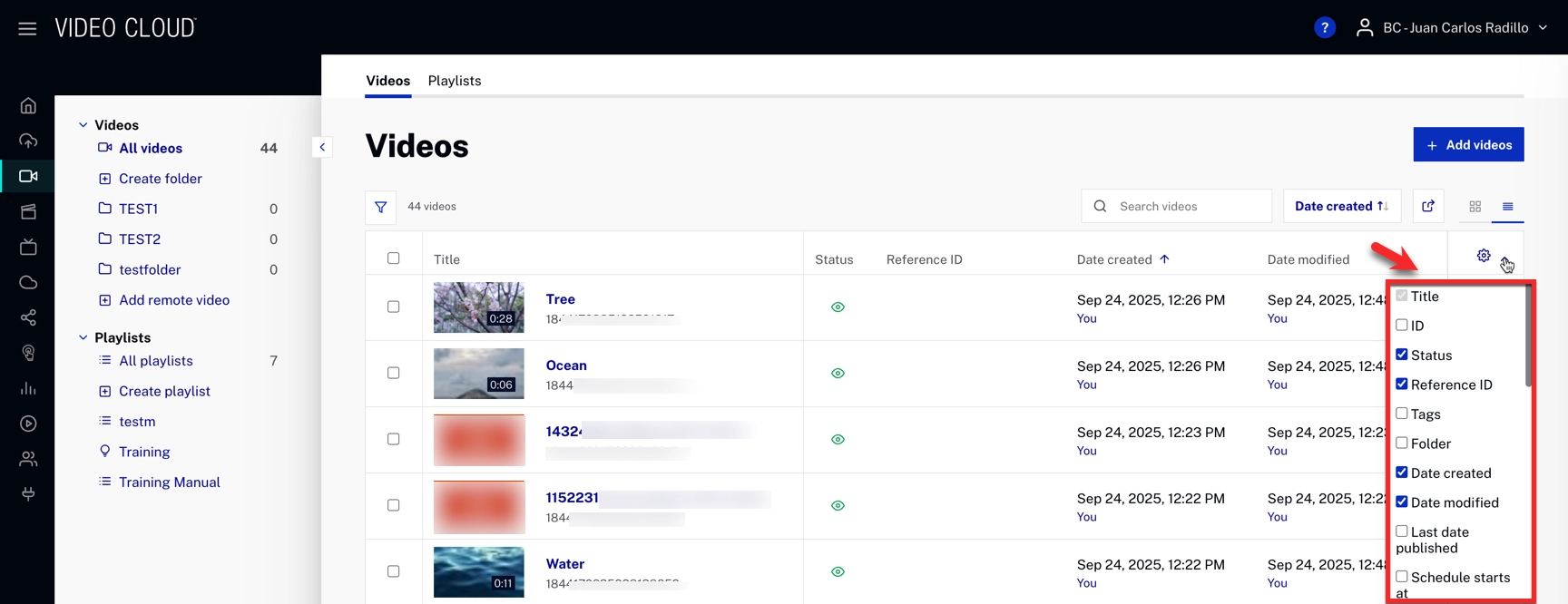
List View summary

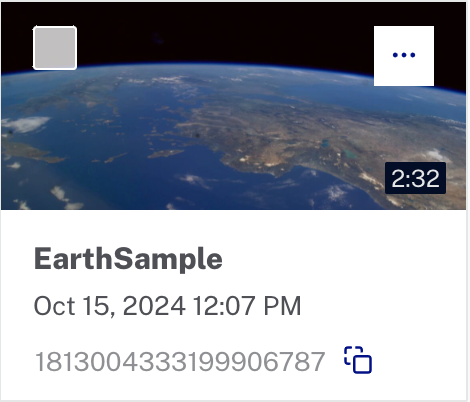
Card View summary

Search options in the Media module

Media module search includes several advanced options to refine search results effectively.

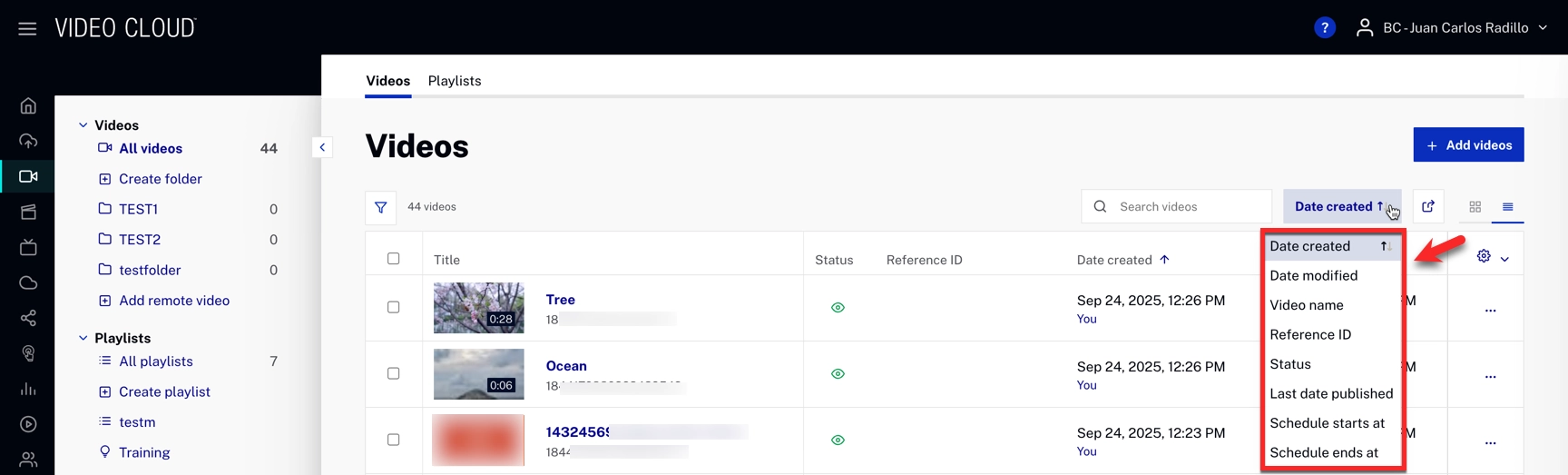
There are two search methods available that can be used independently or together for more precise results:

Searched fields

The search bar queries the following metadata fields:

Search behavior

Search Parameters (Filters)

The search functionality through filters in Video Cloud allows for the combination of multiple filters to refine search results effectively. This comprehensive filtering capability ensures that you can pinpoint the exact content you need with precision.

Below is a table with the available search parameters:

Available search filters and their match behavior
Search Parameter Match Type Description
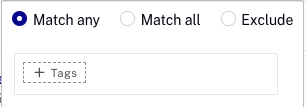
Tags Exact Match Includes or excludes specific tags
Name Exact Match Includes or excludes specific names (supports stemming)
ID Exact Match Includes or excludes specific IDs
Reference ID Exact Match Includes or excludes specific reference IDs
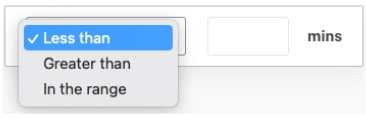
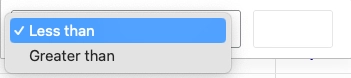
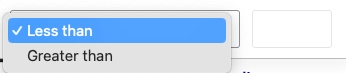
Duration Range Filters by duration (less than, greater than, or in a specific range)
Playable Boolean Filters by playable or not playable status
Short/Long Description Exact Match Includes or excludes specific descriptions (supports stemming)
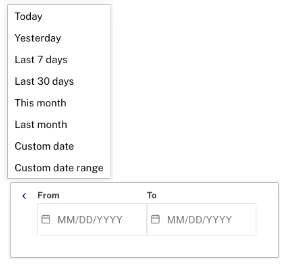
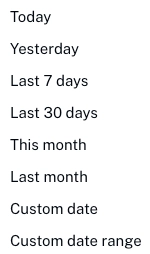
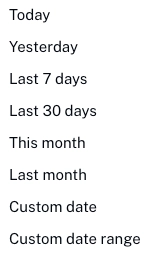
Date Created Date Range Filters by date ranges
Date Modified Date Range Filters by date ranges
Schedule Start/End Date Range Filters by date ranges
Custom Field - Text Exact Match Includes or excludes specific text in custom fields (supports stemming)
Custom Field - List List Includes or excludes specific list items
Expanded Search Filters
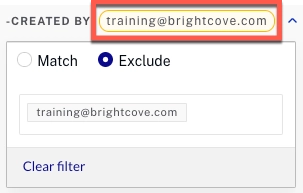
Created By Exact Match Filters by creator's email
Updated By Exact Match Filters by updater's email
Status Boolean Filters by active or inactive status
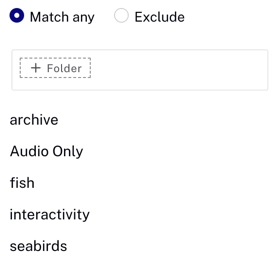
Folder Exact Match Includes or excludes videos from specific folders
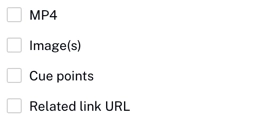
Video Information Exact Match Includes or excludes specific video information fields
Schedule Ends At Date Range Filters by video schedule end dates
Schedule Starts At Date Range Filters by video schedule start dates
Plays Total Range Filters by total number of plays
Plays Last Week Range Filters by number of plays within the last week
Activation Date Date Range Filters by activation date ranges
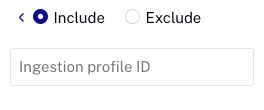
Ingestion Profile ID Exact Match Includes or excludes specific ingestion profile IDs
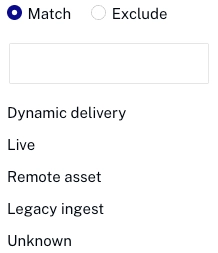
Delivery Type Exact Match Includes or excludes specific delivery types (Dynamic, Live, Remote, etc.)

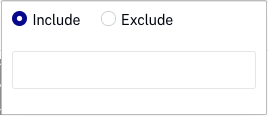
Search Filters

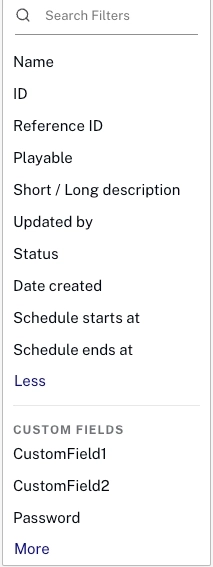
The following search filters can be applied individually or together to refine search results:

Logic and Appearance

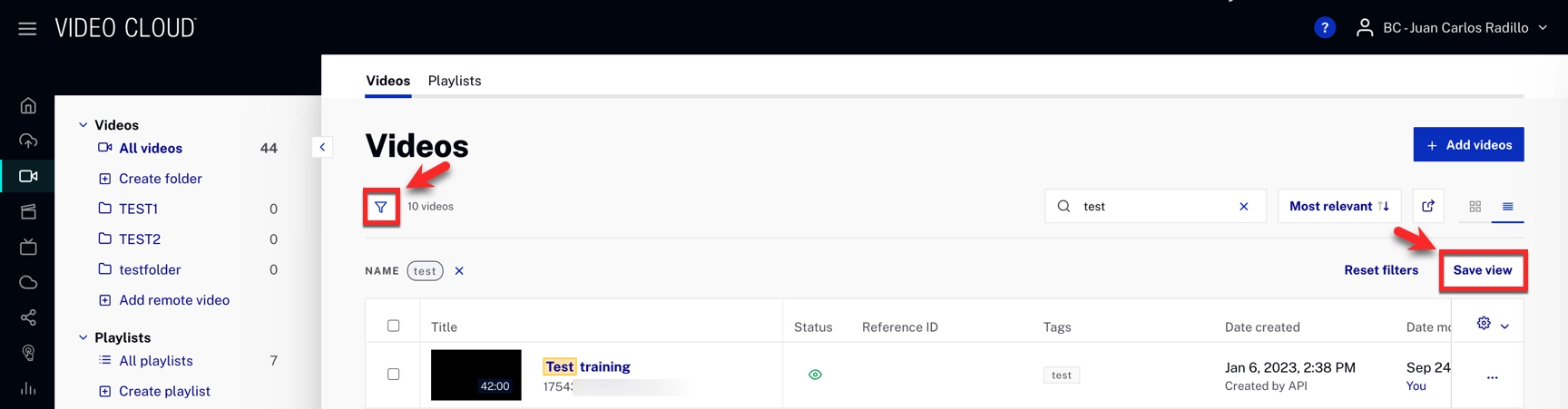
Saving filters

After selecting your filters, you can create a custom filter view by clicking Save view in the top-right corner of the page.

The custom filter will be stored under the filter icon. From there, you can:

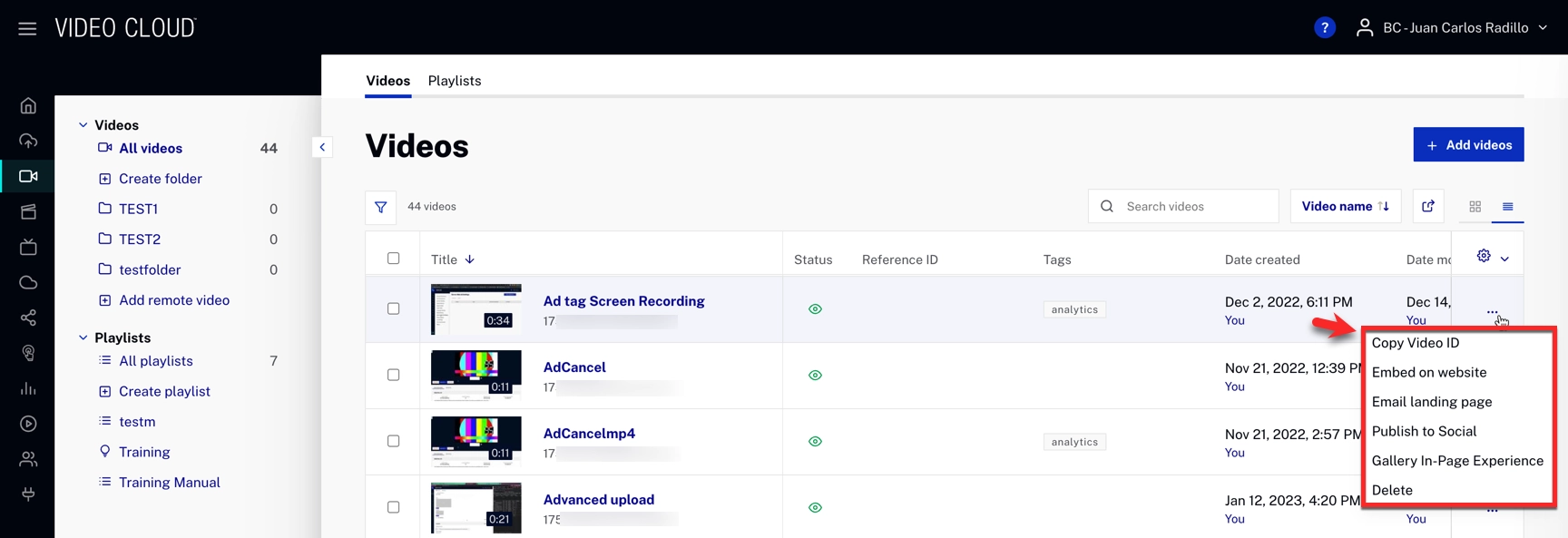
Quick Actions

This menu provides easy access to commonly used video management tasks. This menu is accessed by clicking ••• on the right side of each video entry.

Copy video ID

Copies the unique Video ID of the selected video to your clipboard.

Embed on website

Generates an embed code for integrating the video into a web page.

Email landing page

Generates a clickable video thumbnail or link where recipients can view the video.

Publish to Social

Enables publishing videos to integrated social media platforms, such as:

Gallery In-Page Experience

Provides options to embed the video into a Brightcove Gallery experience.

Open with Editor

Opens the video in the Brightcove Video Editor for basic editing before publishing or sharing.

Delete

Permanently deletes the selected video from the account.

For more advanced search options, see the CMS API: Video Search v2 documentation.